




This Content Is Only For Subscribers
A small rental portfolio can become surprisingly complicated without ever becoming large. You may only own three houses, but those three houses still produce rent payments, maintenance requests, leases, invoices, inspection photos, renewals, vendor appointments, and tax records. If that information is spread across a phone, a paper folder, three spreadsheets, and whatever you happen to remember, the portfolio will feel bigger than it really is.
Welcome to Rental Technology. The goal of this section has always been simple: use technology where it makes landlording easier, and skip it where it only creates another thing to manage. This month, we are building a practical tech stack for the small landlord. Not the biggest stack. Not the most impressive stack. Just the set of tools that keeps the business organized and gives you back some time.
The software market makes this harder than it needs to be. You can find platforms for screening, rent collection, accounting, maintenance, electronic signatures, messaging, inspections, smart access, marketing, and reporting. Some combine nearly all of those functions. That does not mean you need all of them on day one. A landlord with a few single family rentals in San Antonio and South Texas needs technology that matches the size and complexity of the operation, not the feature list of a regional management company.
The Problem with Overbuying Software
Overbuying usually starts with a good intention. You want to become more organized, so you choose a platform that promises to handle everything. Then setup takes longer than expected. Half the features do not apply to your portfolio. The monthly fee keeps running, and you still manage the most important tasks the old way because the system feels like too much trouble.
A better approach is to start with the jobs that repeat. If you collect rent every month, that process should be digital. If maintenance requests arrive throughout the year, they should go into one trackable place. If you need leases, invoices, and inspection photos later, those records should be stored where you can find them. Technology earns its place when it reduces a repeated problem.
For a small landlord, the goal is not to build an impressive software stack. It is to stop important information from living in memory. The fewer properties you own, the more tempting it is to say, I can keep track of that. That works until two AC calls, a renewal, an insurance question, and a late payment all show up in the same week.
The Core Functions You Should Digitize
Before choosing a platform, separate the business into a few basic functions. Most small landlords need a dependable system for payments, maintenance, documents, finances, and communication. Leasing and screening may be part of the same platform or may live in separate tools. Either way, each function needs one clear home.
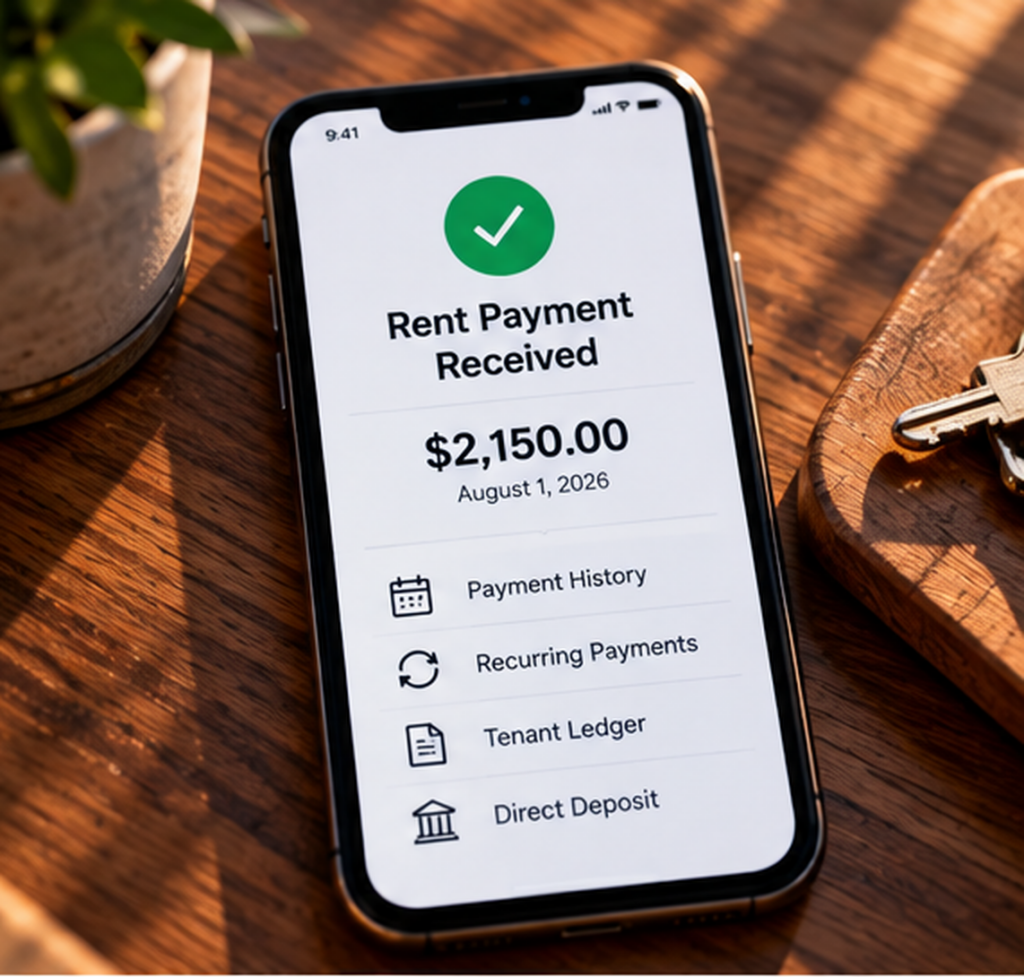
Rent collection is the easiest place to start. Online payment systems create a clearer payment record and eliminate the need to pick up or deposit checks. Zillow Rental Manager currently offers online rent payments and recurring payment options, while Stessa and other landlord platforms also offer payment tools. Use the system that fits your lease and banking setup, and keep the payment history with the rest of the property records.
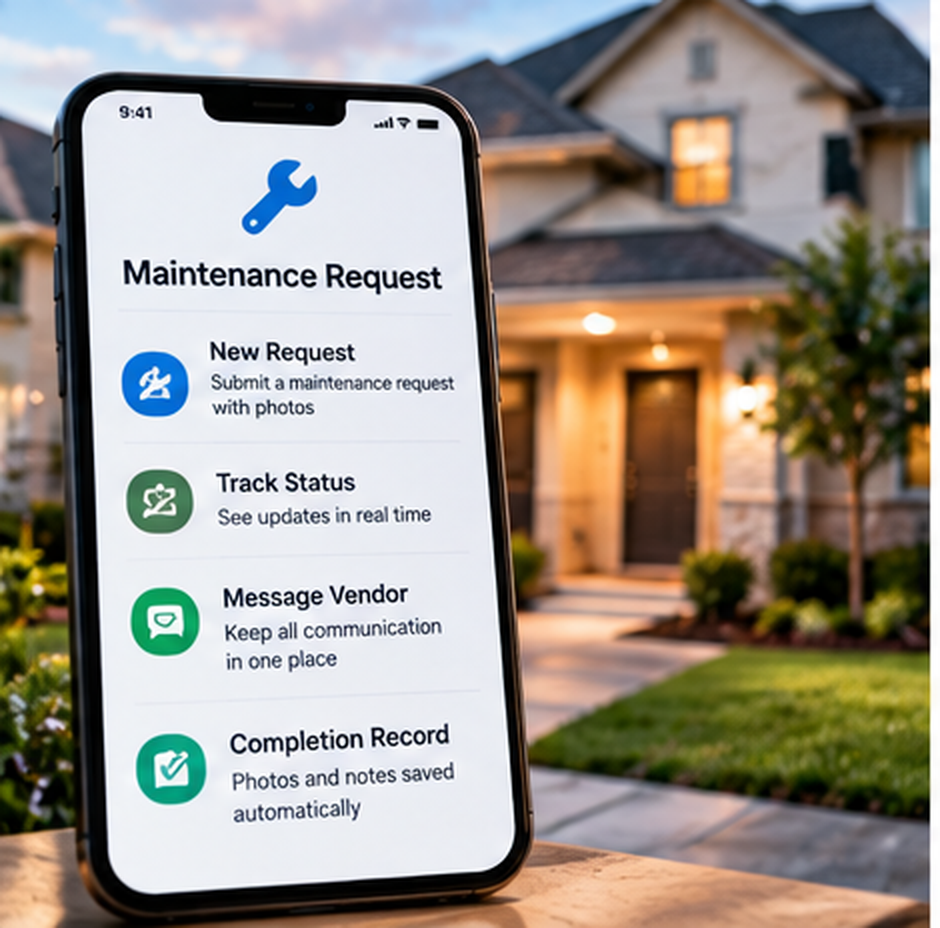
Maintenance needs a trackable intake process. For one or two homes, that may be an online form connected to a spreadsheet or task board. For a larger small portfolio, a tenant portal with work orders may be worth the cost. The important part is that requests have a received date, a status, vendor information, and a completion record. During a long San Antonio summer, that becomes especially valuable when several cooling or plumbing calls hit at once.
Document storage is the next basic function. Leases, addendums, notices, invoices, warranties, and inspection photos should not be scattered across email and a personal camera roll. A structured cloud drive works well for many small landlords. Create one master folder per property and use the same subfolders in each one so you never have to remember where you saved something.
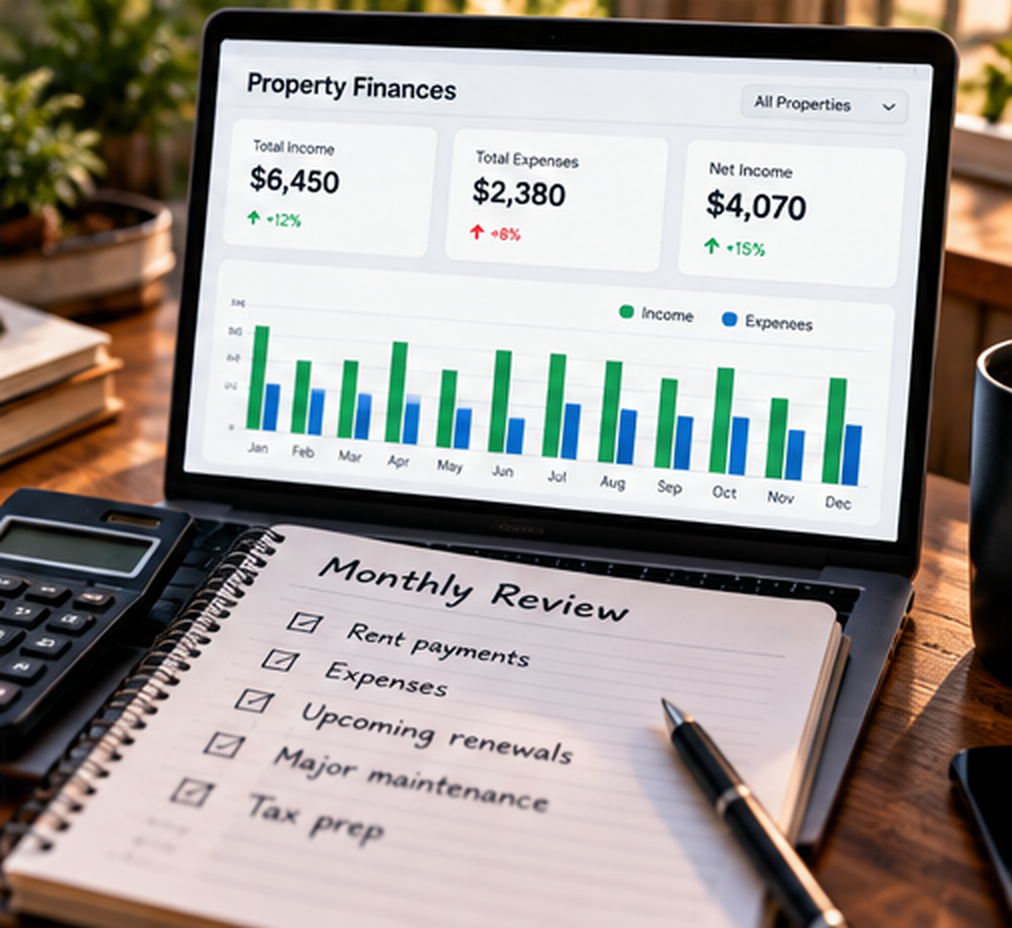
You also need a financial ledger that shows income and expenses by property. A spreadsheet can work if it is updated consistently. Rental focused tools such as Stessa can import bank transactions and assign them to a property, while general accounting software may make more sense if you already use it for another business. The best choice is the one you will reconcile regularly.
The Entry Level Tech Stack
If you own one to five properties, you may not need a full property management platform yet. A lean setup can cover most of the work without turning software into another monthly overhead item.
For payments, choose one online rent collection system and route the deposits to the proper rental bank account. Do not make tenants guess whether this month you want a check, a peer to peer payment, or an app transfer. Consistency makes the record cleaner for everyone.
For maintenance, a simple online form can be enough. Ask for the property address, a description of the problem, photos when useful, and the best contact information. Send those responses to a spreadsheet or task board so the request can move from new to scheduled to completed. The form is not a substitute for an emergency procedure, but it keeps routine work from disappearing in text messages.
For documents, use a business cloud storage account and one repeatable folder structure. Keep executed leases separate from drafts. File invoices under the property. Move inspection photos out of the camera roll. If you can retrieve the full history of a house from your phone while standing at the property, the system is doing its job.
For accounting, start with the simplest tool you can maintain accurately. If that is a spreadsheet, update it every week. If you want bank imports and property level reporting, use a rental accounting tool. The goal is not to automate every accounting decision. It is to avoid reaching tax season with twelve months of uncategorized transactions.
When a Full Property Management Platform Starts to Make Sense
As the portfolio grows, separate tools can create their own friction. You may have the payment record in one place, the maintenance history in another, lease documents in cloud storage, and accounting somewhere else. At some point, the time spent moving between systems becomes more expensive than the monthly cost of combining them.
Platforms such as Buildium, AppFolio, TenantCloud, and others combine several functions into one environment. The feature mix and pricing vary, so the right time to move is not tied to a magic property count. It depends on volume. If you are spending too much time copying the same information between systems, tracking open work orders manually, or checking several places to answer one tenant question, an integrated platform may be worth testing.
The biggest advantage is usually not a flashy feature. It is having the payment, communication, maintenance request, document, and tenant record connected. A tenant can submit a work order, you can assign or track the repair, and the history stays with the property. That is useful anywhere, but it matters even more when your rentals are spread across San Antonio, Schertz, New Braunfels, Seguin, or other South Texas service areas and you are coordinating vendors from a distance.
Do the math before upgrading. Add the monthly software cost and any optional fees you expect to use. Then compare that cost with the time it saves, the duplicate work it eliminates, and the mistakes it helps prevent. A platform that saves several hours every month may be inexpensive. A platform you rarely open is expensive even if the subscription looks cheap.
The Communication Layer
A separate communication channel belongs in almost every landlord tech stack. That does not mean buying another phone. It means giving the rental business its own number, email address, or messaging portal so tenant communication does not disappear into personal conversations.
Google Voice and other virtual phone services can route a business number to the phone you already carry. Google Voice can manage call availability around working hours when configured with the appropriate settings. A property management portal may provide messaging as part of the system. Pick one primary channel for routine communication and tell tenants how to use it.
Keep emergency instructions separate from ordinary business hours. A tenant should know what requires immediate action, what should go through the maintenance process, and when a routine call will be returned. Technology can support those boundaries, but it cannot replace clear instructions in the lease, move in materials, and your normal operating process.
Smart Home Tools That Actually Help
Smart home devices are optional, and that is important. A landlord does not need to turn every rental into a connected house. Add the devices that solve a real management problem and skip the ones that create more accounts, batteries, subscriptions, and support calls.
A smart thermostat can be useful during vacancy, especially through the long South Texas cooling season. It can help you verify that the system is operating and review temperature settings without driving to the property. It should not be treated as a substitute for an HVAC inspection, and tenant use should be addressed clearly before installation.
Smart access can also be useful for vendor coordination and turnovers, but do not assume it eliminates every physical key or rekeying obligation. Texas security device requirements still apply. Use smart locks as an access tool within a compliant security setup, and have a backup plan for power, connectivity, and device failure.
Keep the Stack Flexible
Software changes. Pricing changes. Features move between plans. A tool that fits three properties may not fit eight. Build the system so you can move your information if you need to. Before committing to a platform, check whether you can export rent history, maintenance records, tenant data, and financial reports in a usable format.
Also avoid building a workflow that depends on one clever automation no one remembers how to fix. Automation is most valuable when the underlying process is already clear. If your maintenance procedure is inconsistent, automating it only makes the inconsistency faster.
Technology should support the way you manage the property. It should not decide your policies for you. Write down how you handle rent, repairs, renewals, documents, and vendor access. Then choose tools that make those steps easier to repeat.
For a small San Antonio and South Texas portfolio, that may mean a payment platform, a business phone number, a cloud drive, a maintenance form, and a simple accounting system. Later, it may mean one integrated property management platform. Either version can work. The right tech stack is the one that gives every important task a clear place to go and still feels simple enough that you will use it every week.