




This Content Is Only For Subscribers
A landlord can manage one house with a surprisingly loose communication system for a while. A tenant texts about a repair, you answer from your personal phone, the vendor calls later, and the invoice arrives by email. Nothing feels unmanageable because there is only one property. Add a few more houses and the same habit starts creating problems. The messages are still there, but the history is spread across too many places.
Welcome back to Rental Technology. This month we are looking at messaging tools for small landlords, but the goal is not to collect more apps. The goal is to give every conversation a clear place to live. For a San Antonio and South Texas landlord, that means being able to find a repair request, a vendor update, a tenant agreement, or a scheduling message without searching three devices and four accounts.
The right setup depends on the size of the portfolio. A landlord with two single family rentals does not need the same communication platform as a company managing hundreds of units. What small landlords do need is a system that separates business communication from personal communication, keeps important records searchable, supports a simple repair process, and makes routine reminders easier to send.
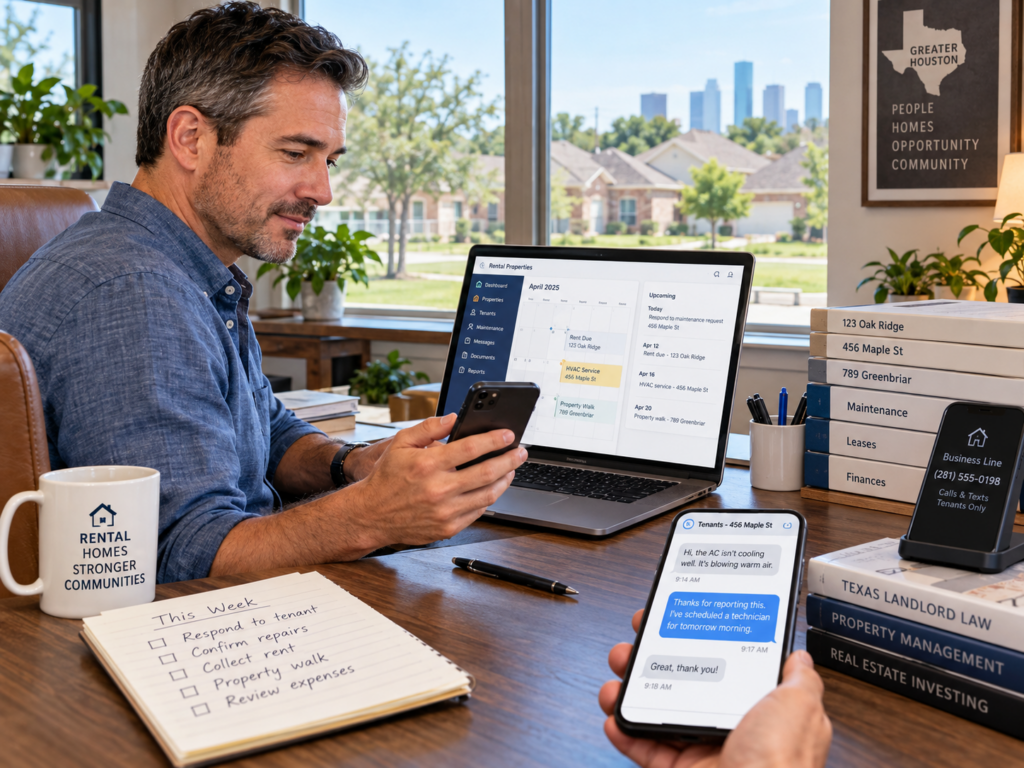
Start With the Communication Problems You Actually Have
Before choosing software, write down what is going wrong now. Are tenants texting your personal number at all hours? Are repair requests missing photos and access information? Are important agreements buried in long message threads? Do you forget to send seasonal reminders until the weather changes? The problem should determine the tool.
Technology works best when it removes a repeated friction point. If the only problem is that rental communication is mixed with personal messages, a dedicated business number may solve most of it. If maintenance requests are scattered and hard to track, a structured form or portal may be more valuable. If the portfolio has grown enough that payments, repairs, leases, and messages are all moving through separate systems, a broader property management platform may finally make sense.
Separate the Business Line From Your Personal Life
I would not build a rental communication system around a personal cell number. The phone itself is fine. The number is the issue. A separate business line gives tenants a consistent contact while keeping rental calls and messages out of your personal threads.
That separation helps with boundaries too. Routine messages can be handled during your normal business hours, while your lease and welcome instructions explain what tenants should do when a true emergency cannot wait. The goal is not to become unavailable. It is to stop every ordinary question from landing in the same place as family communication.
For San Antonio landlords, this becomes especially helpful during busy maintenance periods. When several tenants are reporting AC problems during a heat stretch, you want those calls and messages in a business channel that can be searched and reviewed without digging through unrelated personal conversations.
Give Maintenance Its Own Intake Path
Maintenance is where communication systems get tested. A useful repair request should capture the property, the problem, the location, when it started, photos when helpful, access information, and a way to contact the tenant. A structured form or portal gives you that information in a repeatable format.
The system should make reporting easier, not create a barrier. If a tenant first reports an active leak by text, you do not wait for the perfect form before responding. Address the urgent condition, then move the details into the maintenance record so the timeline is complete.
South Texas properties also create recurring maintenance patterns that are easier to manage when the history is searchable. Long cooling seasons can produce repeated HVAC calls. Mineral heavy water can contribute to plumbing and water heater service. Irrigation problems can reappear during dry periods. When the previous repair notes are easy to find, you make better decisions the next time the same symptom shows up.
Keep Important Conversations Searchable
Not every tenant message needs a special archive, but anything that documents a repair, agreement, payment arrangement, approval, complaint, or important lease question should be easy to retrieve later. The simplest rule is to preserve the complete thread rather than saving one isolated message.
A dedicated business email can work well for formal conversations. A portal can keep messages attached to the tenant or property. A business text line can handle quick logistics. Whatever combination you choose, decide how important records will be backed up or exported if you change platforms later.
This is one place where software flexibility matters. You should be able to get your records out in a readable format. A communication history is part of the property file. It should not become inaccessible simply because you cancel a subscription or move to a different system.
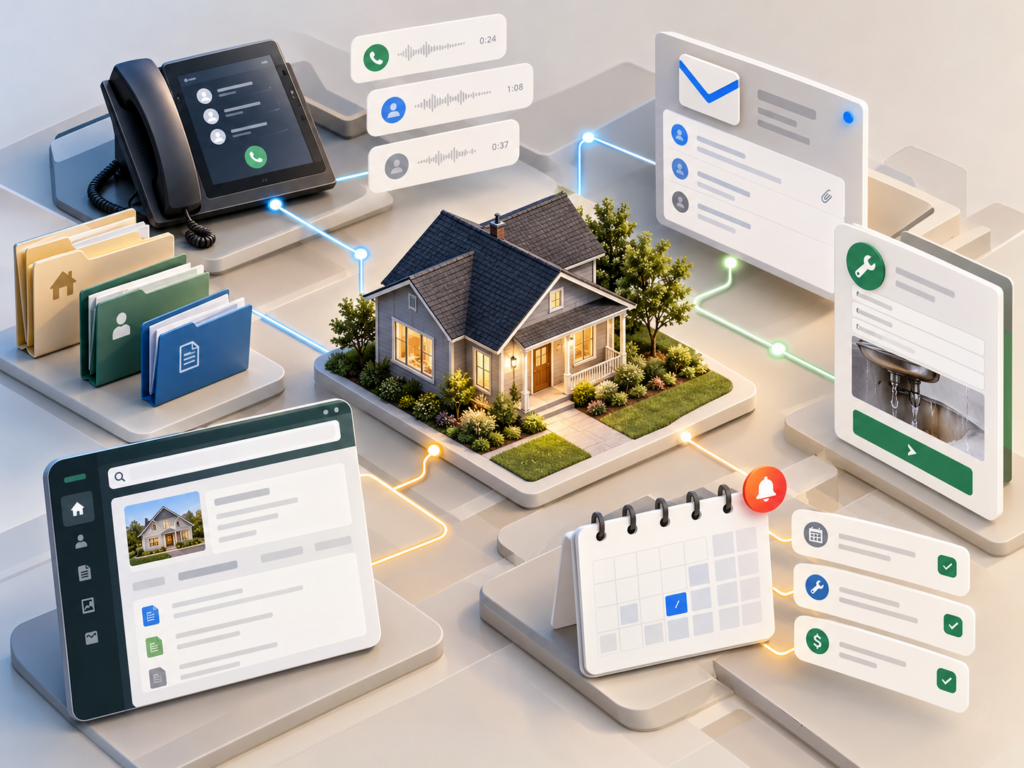
Use Automation for the Messages You Repeat
Automation is most useful when the underlying task already happens on a schedule. Rent reminders, inspection reminders, recurring filter notices, vendor appointment reminders, and renewal check ins can all be good candidates. These are messages you would otherwise send again and again.
Keep the automation short and useful. Tell the tenant what is happening, when it is happening, and what action is needed. Avoid sending so many reminders that the tenant stops reading them. A few well timed messages are more useful than a constant stream of notifications.
Seasonal reminders can also help in San Antonio and South Texas. Before a freeze, you may send property specific instructions about exposed plumbing. Before a scheduled HVAC visit, you may remind the tenant to secure pets and provide access. During a dry period, an irrigation reminder may help catch a broken sprinkler head before it wastes water for weeks.
Know When a Portal Becomes Worth It
There is no magic property count where every landlord needs a full management platform. The better signal is administrative strain. If you are spending too much time moving information between a business phone, email, payment system, maintenance form, and cloud drive, consolidation may be worth paying for.
When you test a platform, use real tasks. Submit a sample repair from the tenant side. Send a message. Upload a lease. Search for an old conversation. Export a record. Check the mobile experience. A long feature list is not helpful if the basic workflow takes longer than the system you are replacing.
Also look at the tenant side. If the portal is confusing, tenants will avoid it and return to texting. The best tool is not the one with the most options. It is the one both sides will actually use.
Do Not Let the Software Set Your Policies
A messaging platform can organize communication, but it should not decide how quickly you respond, what counts as urgent, when a vendor enters, or what exception you make to a lease. Those are management decisions. Write the process first, then use technology to make the process easier to repeat.
That is especially important with automated responses. An after hours message can confirm that a routine question was received and explain when normal communication resumes. It should also tell tenants what to do when the situation cannot wait. The automation supports the boundary. It does not replace judgment.
Make Search Part of the System
A communication archive only helps if you can search it later. Use the property address, tenant name, and topic in subject lines or file names when your tools allow it. A message titled 1420 Oak AC visit is much easier to find than Update or Question. The same idea applies to exported conversations. Give the file a date and a plain description before dropping it into the property folder.
This sounds minor until you are managing several houses and the same vendor works on more than one of them. San Antonio and the surrounding markets can create long service routes, and one plumber or HVAC company may touch several properties in the same month. Clear naming keeps the repair history attached to the right house instead of forcing you to reconstruct it from phone numbers and memory.
Plan for the Day Someone Else Needs the Record
A good communication system should make sense to someone besides you. That may be a spouse helping with the rentals, a property manager taking over one house, an accountant reviewing a payment issue, or an attorney asking for a repair timeline. If the only person who understands where everything lives is the landlord who created the system, the setup is still too dependent on memory.
Once or twice a year, pick one property and test the file from beginning to end. Can you find the current lease, the recent maintenance conversations, the vendor notes, and the tenant approvals without opening five unrelated apps? If not, tighten the process while the portfolio is still small. Organization is easier to build at four houses than to repair at fourteen.
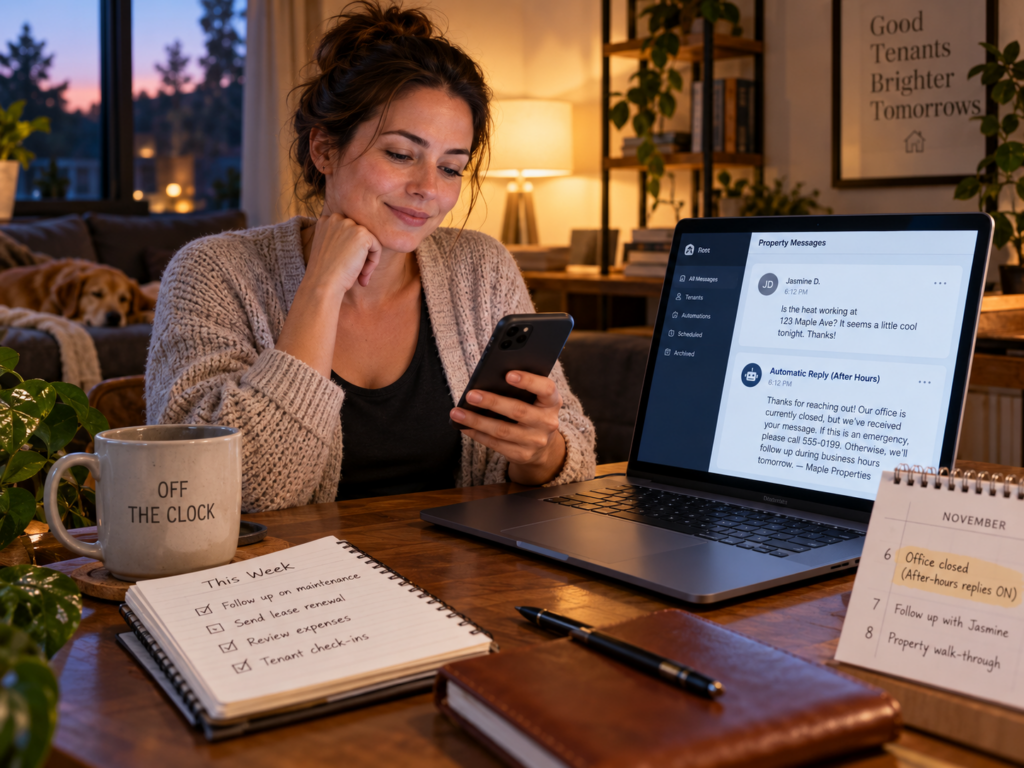
Build a Stack You Can Maintain
For a small portfolio, the communication stack may be very simple: one business number, one business email, one maintenance intake method, one organized property folder, and a few useful reminders. Later, you may replace several of those tools with one integrated platform. Both approaches can work.
The test is whether the system makes information easier to find and work easier to repeat. If adding a tool creates another inbox you forget to check, it has not solved the problem. If it gives every important conversation a clear home and keeps routine communication from living in your head, it is doing its job.
A small landlord does not need the most advanced messaging stack. You need one that stays understandable during the weeks when three vendors are calling, an AC is down, a renewal is due, and another tenant has a routine question. Build the process around clarity first. Then let the technology carry the repetitive parts.